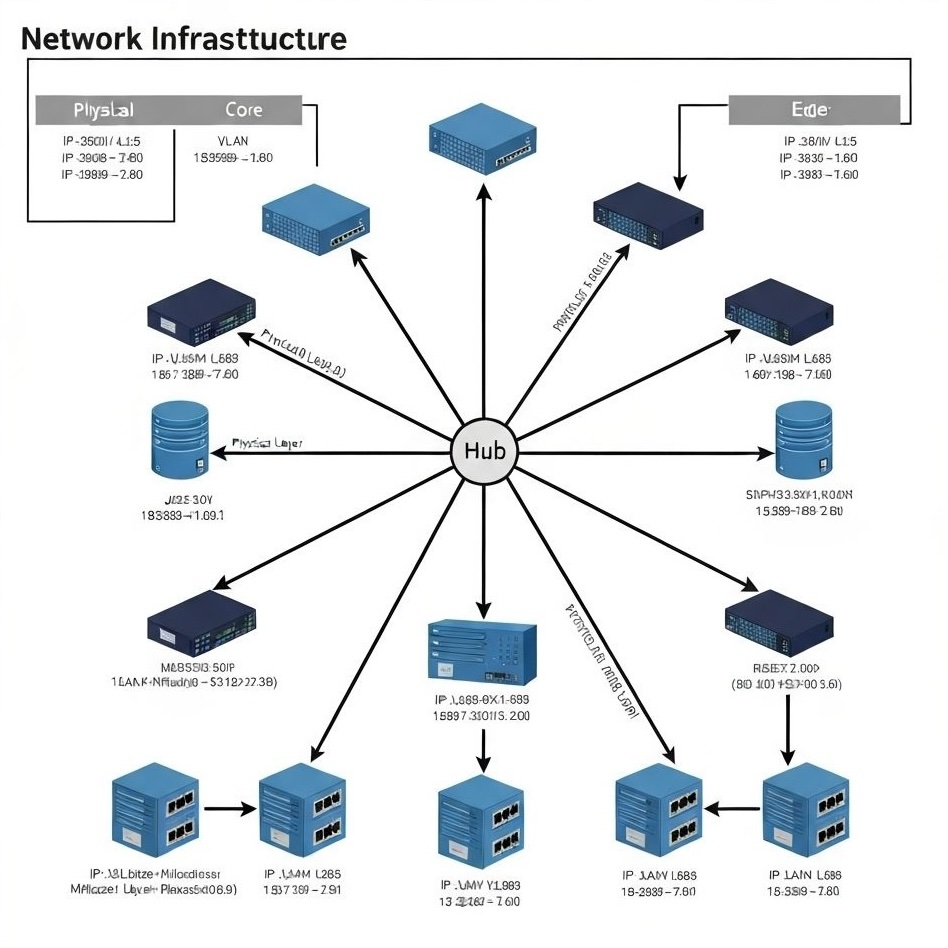
In WarpTok's use cases, port forwarding is best understood as a traffic relay bridge. Requests sent to our entry node are forwarded to the target IP and port you configure, without changing your application protocol.
Important: WarpTok is not a reverse tunnel product for exposing a laptop or home LAN device to the public internet. It is a managed high-performance relay for public-to-public traffic forwarding.
How WarpTok works
When you use WarpTok, your connection changes from a fragile direct path into a relayed path:
- Direct path: [Your device] -> [Public internet instability] -> [Final target]
- WarpTok path: [Your device] -> [WarpTok entry] -> [Fast relay] -> [Final target]
You only need to send traffic to the dedicated entry IP and port assigned to you. WarpTok then relays that traffic through its forwarding cluster to the target IP and port you defined.
Why use a relay like this?
1. Improve path quality and reduce latency
If your target server is overseas, such as a TikTok ingest endpoint, direct connections can suffer from jitter, packet loss, and frame drops. WarpTok entry nodes are deployed on premium backbone routes, which makes them useful as stable relay points.
2. Hide and protect the target address
With forwarding in front, outside users only see the WarpTok entry IP. Your real target address stays behind the relay layer, which reduces direct exposure.
3. Change targets without changing clients
You can update the destination IP or port in the control panel without asking every client to reconfigure. That is useful for server replacement, traffic migration, or emergency failover.
Common use cases
- Cross-border live streaming: Send traffic to a WarpTok entry in Hong Kong or the US, then relay to TikTok or YouTube ingest.
- Gaming acceleration: Use a lower-latency relay path to reduce lag and disconnects when players access overseas servers.
- Origin masking: Keep sensitive backend services behind a stable public entry instead of exposing the real server address.
Summary
WarpTok port forwarding is a one-way traffic relay technique. It does not rewrite your application data. It changes the network path so the connection becomes simpler, faster, and easier to control.
Want to validate this setup with a real route?
Start a free trial and test WarpTok with your own TikTok live, remote access, or cross-border workflow before upgrading.