Your TikTok LIVE Is Not Empty—Your Interaction Prompts May Be Too Hard to Answer
Quiet viewers are not necessarily uninterested. Often, the question is simply too hard to enter. Give people a small, relevant choice they can answer now, and passive viewing can become participation, follows, and return visits.

Sarah Kim
Author
There may be dozens of people in a LIVE room while the comments barely move. Many hosts respond by increasing the volume: “Comment 1 if you are here,” “say hello if you can hear me,” or “why is everyone so quiet?”
Those lines are not always wrong. They often diagnose the problem in the wrong place. A quiet viewer is not necessarily an uninterested viewer. More often, they have not been given an entry that is both easy enough and worthwhile enough to answer.
Someone who enters from a recommendation feed does not owe the host a comment. They may not yet know what to watch, whether a message will be acknowledged, or why they should complete a task unrelated to the content just to prove that they are present. The real job of interaction is not to fill the chat. It is to move a person from observing the LIVE to participating in it.
When one answer can shape the next demonstration, produce information that fits the viewer, or simply be picked up naturally by the host, the cost of speaking starts to fall.
Quiet Does Not Mean Dead: First Understand What the Viewer Is Doing
New visitors rarely arrive ready to talk. They may be rapidly checking what the stream sells, whether the host seems credible, whether the content applies to them, and whether leaving now would make them miss something important. In that stage, quietness is normal viewing behaviour.
If a host immediately asks a large question—“What is everyone struggling with?”—the viewer has to construct an answer. They need to recall their situation, decide whether it is comfortable to share publicly, and then choose whether to type. That is a high cost for someone with no relationship to the room yet.
“Comment 1 if you are here” looks low-friction, but it offers no reason to participate. What changes after a viewer comments 1? If the answer is nothing, they will sensibly keep watching in silence.
So when comments are sparse, do not assume that you have a popularity problem. Ask a better question: has a new visitor seen something concrete yet? Do they know what one message might lead to? Have you made a small, safe opening that they can answer without effort?
Good Prompts Are Not Louder. They Are Easier to Answer.
The most useful interaction prompts are usually not broad, open-ended questions. They provide a clear range. A viewer does not have to invent an answer from scratch or worry that their response is not good enough.
If a shopping LIVE is showing two colours, instead of asking “What do you think?” ask, “Do you wear darker or lighter colours more often for work?” A beauty creator who has finished a half-face test can ask, “Do you care more about wear time or coverage?” A gaming creator at a decision point can ask, “Do we protect the gear first or push for rank?” An educational creator who has just explained a mistake can ask, “Are you stuck more on getting leads or converting them?”
Each of these prompts shares three qualities: the answer is short, the options connect to what the viewer can already see, and the answer can lead into the next step. A first-time commenter does not need to write an introduction. They only need to choose between two things already in front of them. That is far easier than “tell me your story.”
You do not have to frame every prompt as A or B. Predictions, rankings, votes, and sentence completions can all reduce the cost of an answer. The important point is that people should immediately know how to reply; do not hand the entire thinking task to the chat.
Let Interaction Follow the Content Instead of Interrupting It
Some LIVEs pause every few seconds to demand comments. That may generate a few numbers in the moment, but viewers soon notice that the content proceeds exactly the same way regardless of what they say. Interaction becomes an interruption, rather than a part of the stream.
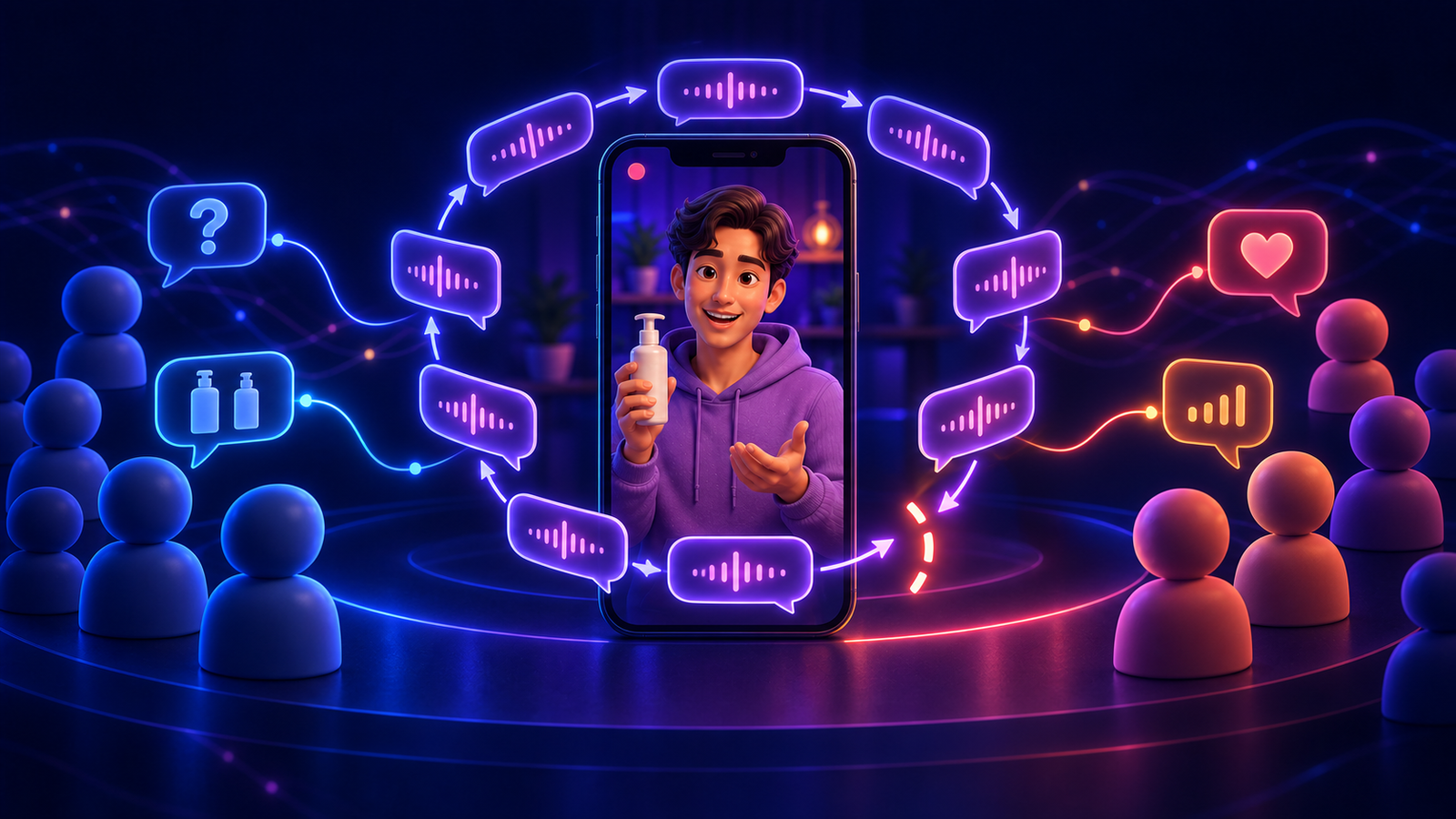
A more natural rhythm is to give viewers something observable, invite them to make a specific judgement, and then use the response in what happens next.
Show a detail or result
→ offer one concrete choice
→ read a few real responses
→ use those responses to choose the next demo, explanation, or order
For example, first show the difference between two similarly priced products under the same light. Then ask which item people want to inspect first. After reading the majority choice, move the camera there immediately. An educational host can dismantle a common misconception, ask which scenario viewers want next, and use the stronger choice for the following example.
Even when you cannot literally change the content for every comment, explain how messages will be used: “I will save the recurring questions and answer them in the final ten minutes,” or “I will test the colour you choose most often for another round.” When people can see their input being carried forward, they have a reason to answer again.
Do Not Ask for a Feeling First. Give People a Judgement.
Hosts often ask, “Do you like it?” or “Is this good?” These prompts are broad, and the answer often becomes a polite “yes.” They do not tell you what viewers actually need, and viewers do not know how to make their reply useful.
Instead, give them an object to judge and invite them to take a side. Rather than “What do you think of this outfit?” ask, “Does this shape work better for the office or for a weekend out?” Rather than “Is this tip useful?” ask, “Are you more worried that you cannot execute it, or that it will not work after you do?”
Judgement prompts do not require people to reveal much personal information, yet they tell the host where the content should go. Once someone says “office” or “cannot execute it,” you have a natural follow-up: what setting, which step, what budget, or what constraint? Information and rapport are built in layers. They rarely arrive in the first question.
This is also why a chat can look busy without producing useful interaction. If everyone repeats the same command, the host has not learned anything that improves the stream. Activity is not the purpose. Making the next segment more relevant to the people present is.
Different LIVE Formats Need Different Entry Points
Shopping LIVEs work well with choices and use cases. Size, colour, budget, an item a viewer already owns, and usage frequency are all fast answers that help you decide what to demonstrate. Do not only ask questions at the moment you drop a product link. Asking “Do you value durability or lightness more?” before the demo gives the explanation a direction.
Tutorial and educational LIVEs work well with bottlenecks and priorities. Instead of opening with “ask me anything,” narrow the door: “At the step I just showed, are you stuck finding material or editing it?” Viewers have a clear way in, and you can group scattered messages into topics you can actually answer.
Gaming LIVEs work well with prediction and shared decisions. Viewers may not know every mechanical detail, but they can pick a target, guess an outcome, or decide whether to try a risky play. Letting chat participate in a situation that is already moving is far more compelling than suddenly asking for spam.
Talent and companion LIVEs do not have to rely on unstructured chat. A recurring mini-format can create an expectation: viewers choose the mood of the next song, the next practice theme, or a one-sentence everyday choice. The important thing is that a first-time visitor can understand what is happening. Do not make an inside joke the only way to enter.
Reading a Comment Is More Than Being Friendly
Interaction often disappears not because the host did not ask, but because the first person who answered never received a response. A fast chat cannot be read in full. You can still choose a few representative replies, repeat the useful part of a username or answer, and respond specifically.
Do not say only “thank you” before rushing on. Bring the comment back into the content: “You said length matters more for a smaller frame, so I will pull the camera back and show the proportion.” Or: “Most of you chose to push for rank, so we will not play safe this round—let's see the cost.” That proves to every silent viewer that comments do not disappear into a void.
When comments are still scarce, there is no need to perform exaggerated energy. State your own judgement and leave a small opening: “I would inspect A first because it is easiest to get wrong. If you want B, leave a B and I will switch now.” The LIVE keeps delivering value while preserving an opportunity to join. That is much stronger than repeatedly asking whether anyone is there.
Review Interaction One Stream at a Time, Not by Comment Count Alone
After the LIVE, do not ask only, “How many comments did we get?” Total comments depend on duration, audience size, and the share of returning viewers. By itself, the number does not say whether your interaction design worked.
Look back at concrete moments instead. In the first minutes after new visitors entered, what question could they answer? Which prompt produced more replies? Did you truly change or advance the content because of those replies? Did the first people who spoke stay, follow, or return to another stream?
Choose two interaction points from a LIVE and record the exact prompt, what was on screen, the answers you received, and how you picked them up. Across a few streams, patterns will appear: some prompts only produce words, while others create longer viewing and natural follow-up questions.
You do not need to turn a LIVE into a variety show overnight. Start by designing one important interaction point in each session: what does the viewer see, what can they answer, and what happens after they do? The clearer that loop is, the more likely quiet viewing becomes active participation.
The Goal Is to Make a Viewer Feel They Are Not Just Passing Through
No host can require every person who enters to comment, and a silent viewer should not be treated as a failure. Some people want to watch a demonstration quietly. Others need to see you several times before they speak. Both are normal.
What you can do is make the first message light enough: it does not require a long explanation, flattering the host, or risking embarrassment for a wrong answer. At the same time, show that the choice can move the LIVE forward, even a little.
Titles and covers help the right person enter. The first minute delivers the promised content. Interaction then tells them: here, you are more than an online number. Ask more concrete questions and pick up answers with more care; the chat will usually change more steadily than it does from repeated calls to speak.
Want to validate this setup with a real route?
Start a free trial and test WarpTok with your own TikTok live, remote access, or cross-border workflow before upgrading.