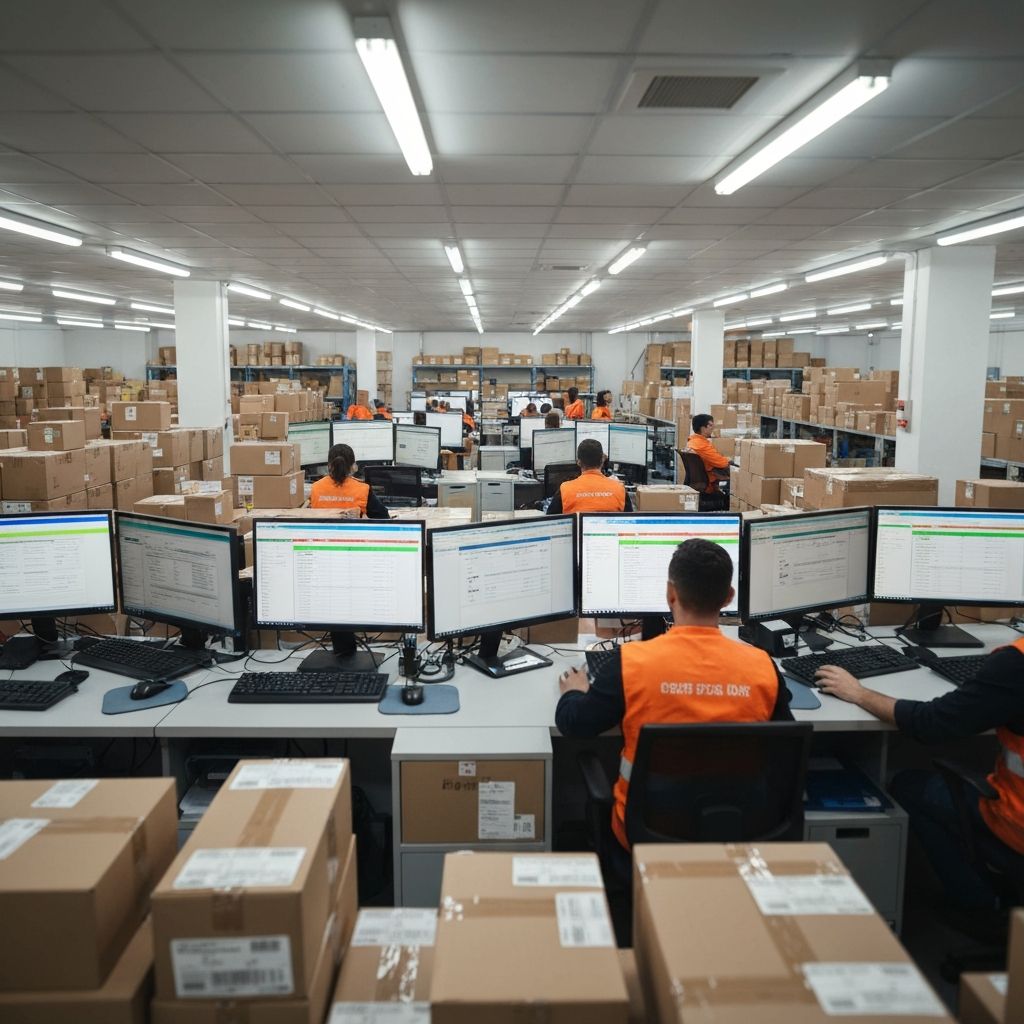
For Amazon, TikTok Shop, and Shopify operators, keeping account environments separated is critical. That is why many teams buy Windows VPS instances in the target country or use dedicated browser environments for store management.
The problem is that remote operation often becomes painfully slow. When a team in China connects over RDP to a VPS in Los Angeles, even simple mouse movement can feel delayed, which hurts execution speed during customer replies, order handling, and campaign work.
Why does a remote VPS feel so slow?
- RDP is latency-sensitive. Once delay becomes noticeable, the whole session feels heavy.
- Packet loss freezes the desktop. Even mild cross-border loss can cause stuttering and stalled screen updates.
- Cheap VPS routes are weak. Low-cost plans often have poor return routes to your operators.
How WarpTok helps
WarpTok does not change the VPS egress IP, which is important for store operations. It only improves the path between your operator's machine and the VPS.
operator workstation -> WarpTok entry -> overseas VPS
That reduces path instability and makes the remote desktop session much more usable.
Basic setup for a Windows VPS
Assume your VPS IP is 45.x.x.x and RDP runs on 3389.
1. Configure the relay
In WarpTok:
- Target IP:
45.x.x.x - Target port:
3389
WarpTok then gives you an entry such as 202.1.1.1:20000.
2. Connect through Remote Desktop
Open the Remote Desktop client on your local machine and use the WarpTok entry as the host. Authentication still uses your original VPS username and password.
If the path quality improves, mouse movement, window switching, and page rendering inside the VPS should all feel more responsive.
Does this affect account safety?
Usually no.
- WarpTok is only the transport path.
- The final outbound IP seen by Amazon or TikTok Shop is still your VPS IP.
- The relay helps your keyboard, mouse, and screen updates move more smoothly, but it does not change the VPS identity itself.
Summary
For cross-border e-commerce teams, lag is not just an annoyance. It slows down execution and raises operational stress. A managed relay path can make an overseas VPS feel much closer to a local workstation without changing the final environment your stores see.
Want to validate this setup with a real route?
Start a free trial and test WarpTok with your own TikTok live, remote access, or cross-border workflow before upgrading.